AI Reports for Perfex CRM
Module documentation for installation, configuration, and core usage.
This is a Perfex CRM module (not standalone).
Required: Perfex CRM installed and active.
1. Installation
- Zip folder name should be
ai_reports(standard Perfex module structure). - Go to Setup → Modules.
- Upload module zip and click Install.
- Click Activate.
- Go to Setup → Settings → AI → AI Reports and configure module settings.
2. Menu & Pages
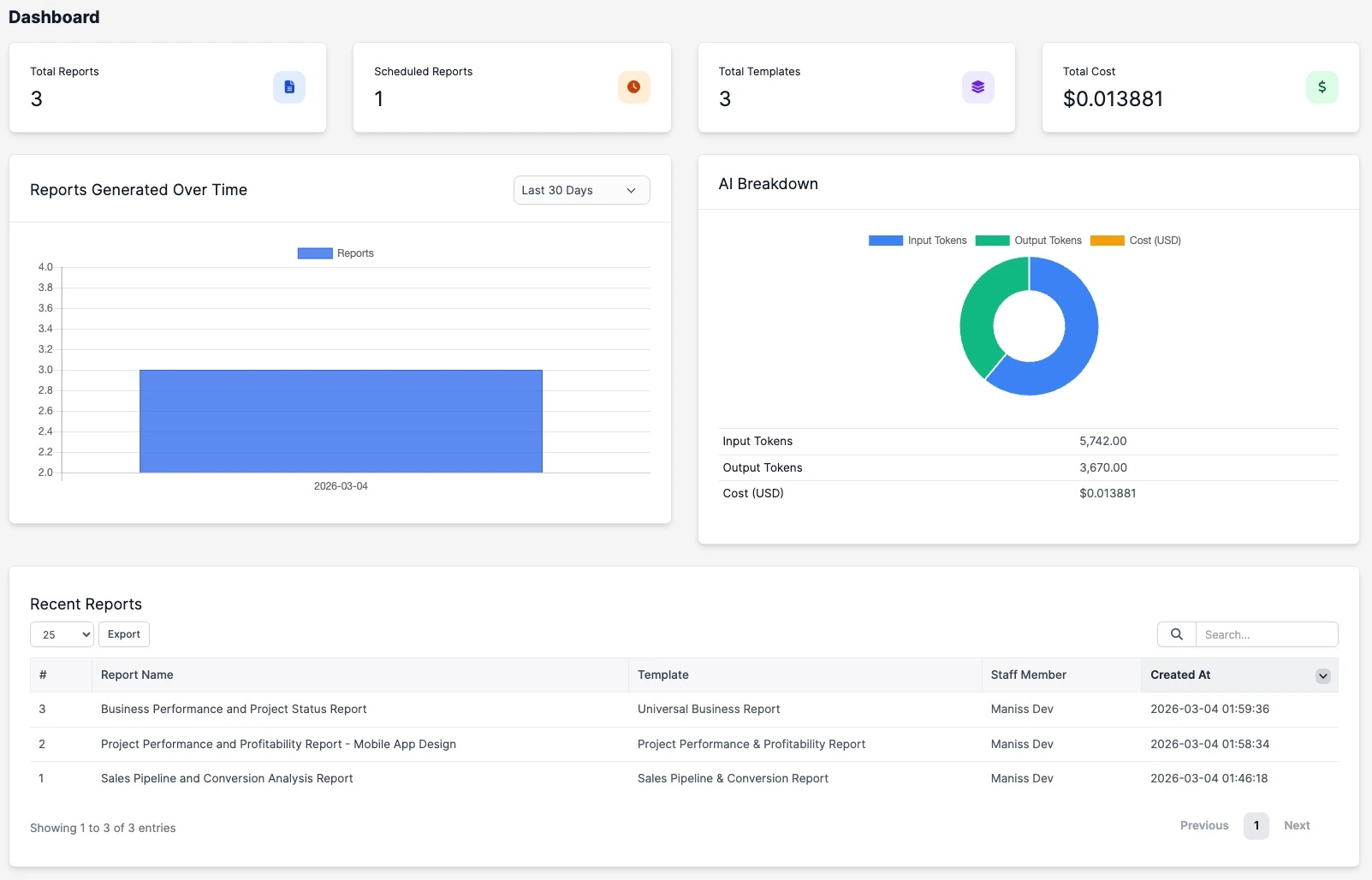
- Dashboard - KPIs, report generation chart, AI breakdown, and recent reports.
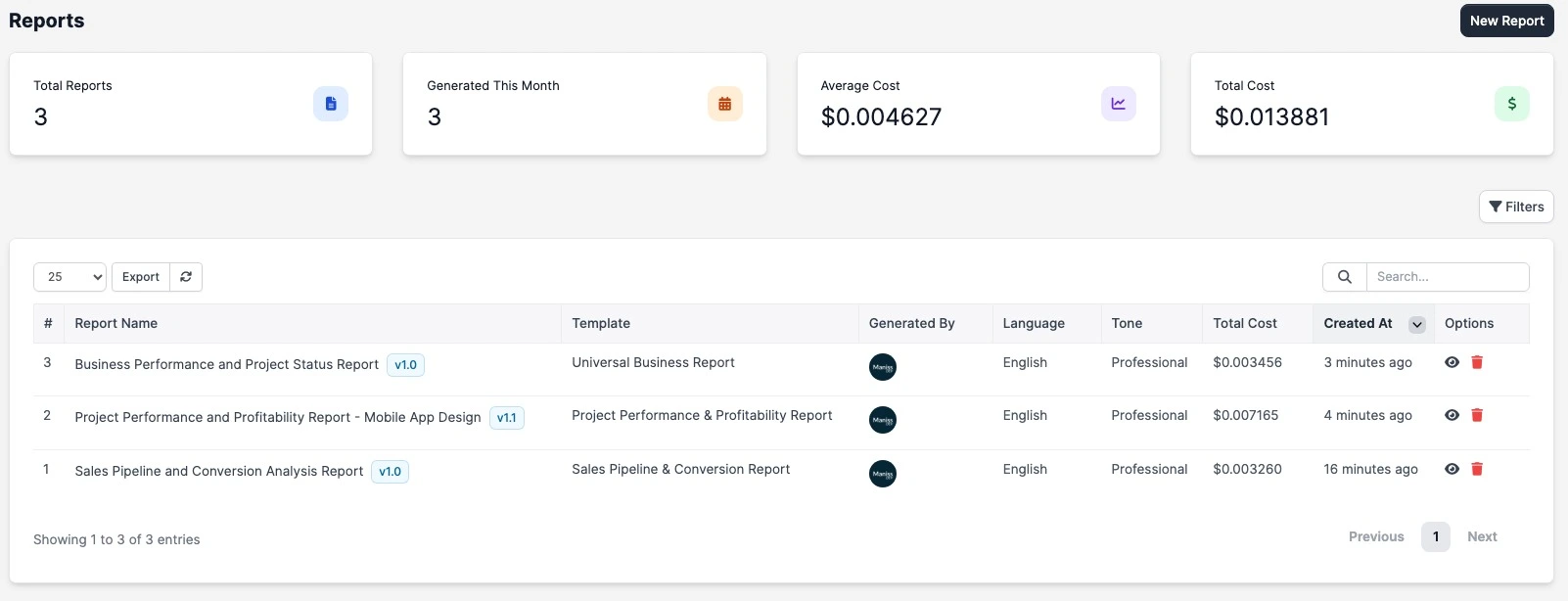
- Reports - reports datatable with filters, versions, and quick actions.
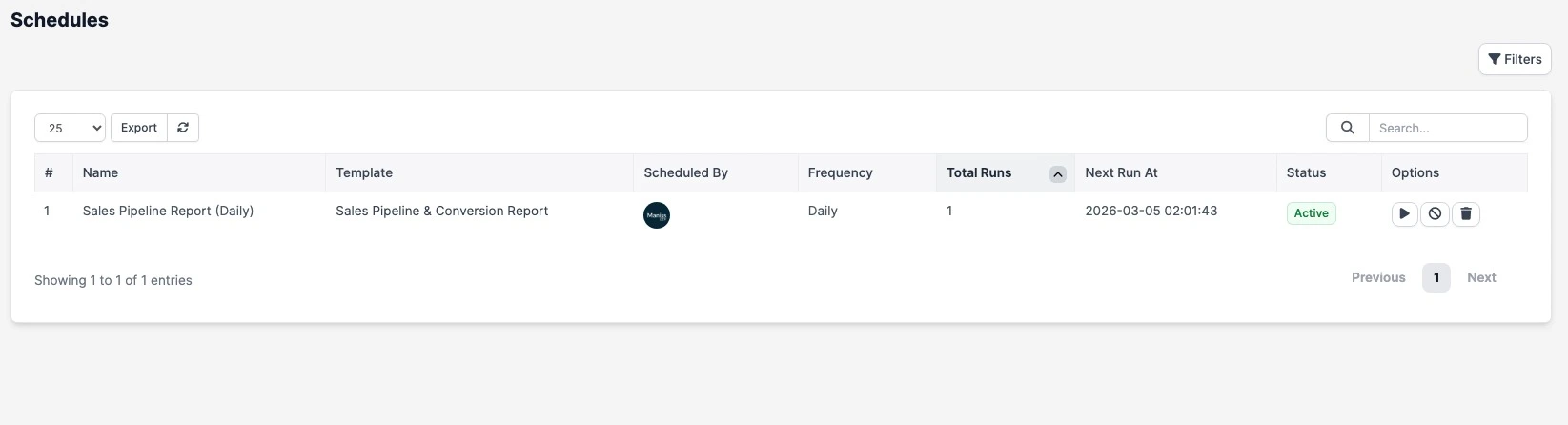
- Schedules - schedule table for automated recurring report generation.
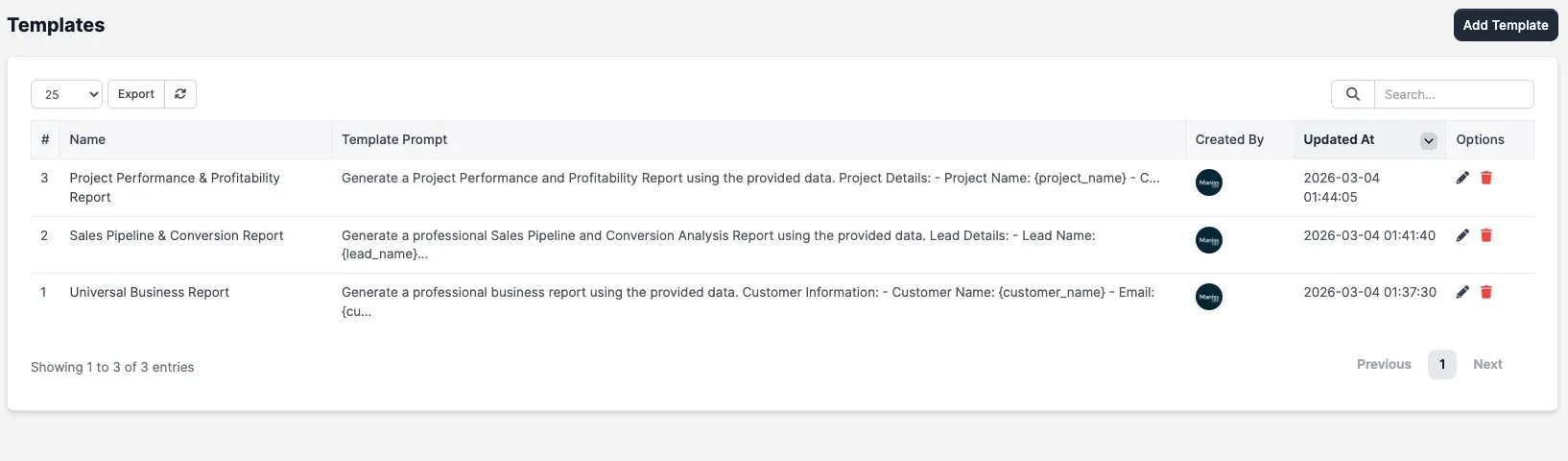
- Templates - reusable report templates with prompt + section structure.
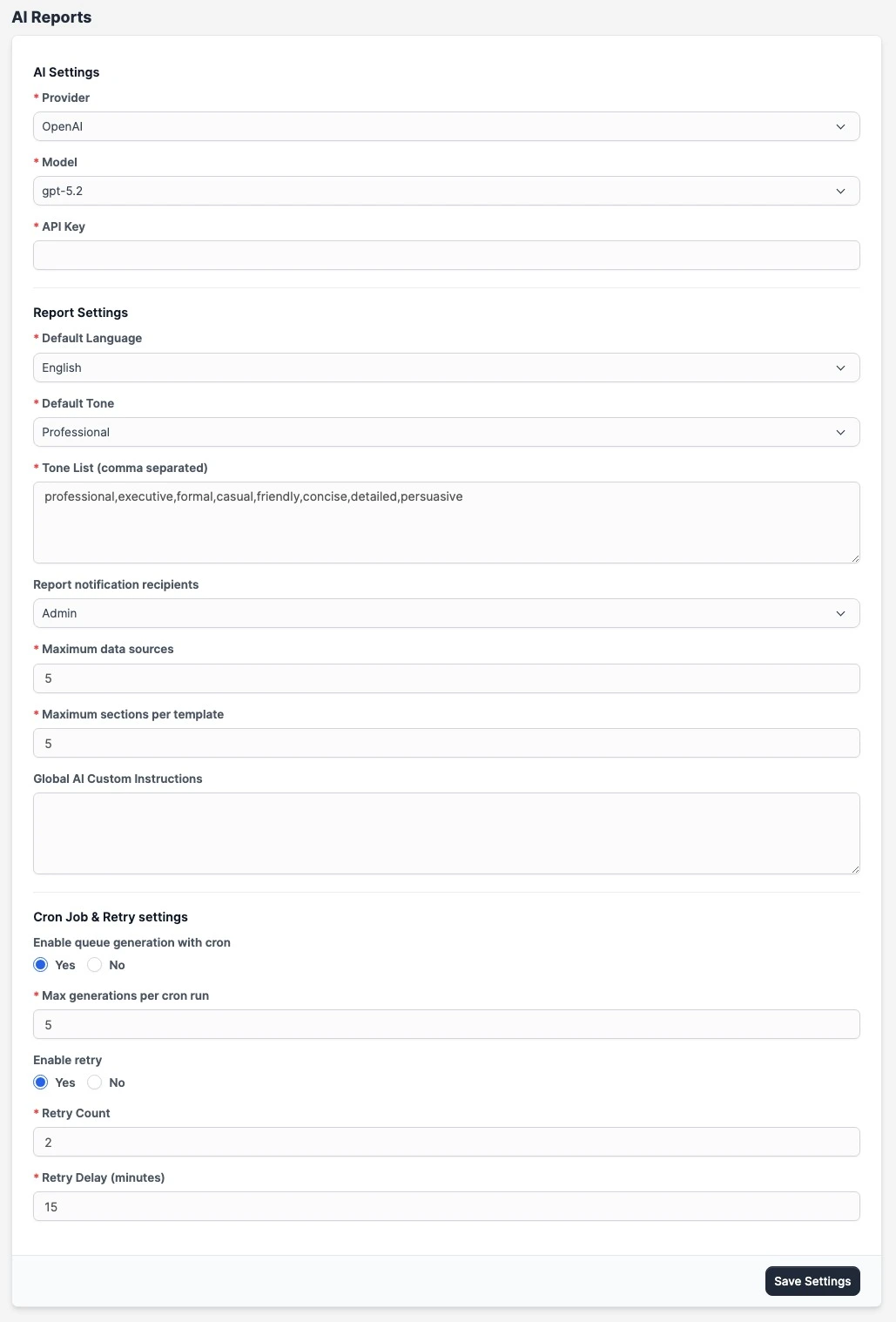
- Settings - AI provider/model settings, report defaults, notifications, cron/retry controls.
3. Core Workflow
- Create template with report prompt, selected data sources, and section blocks.
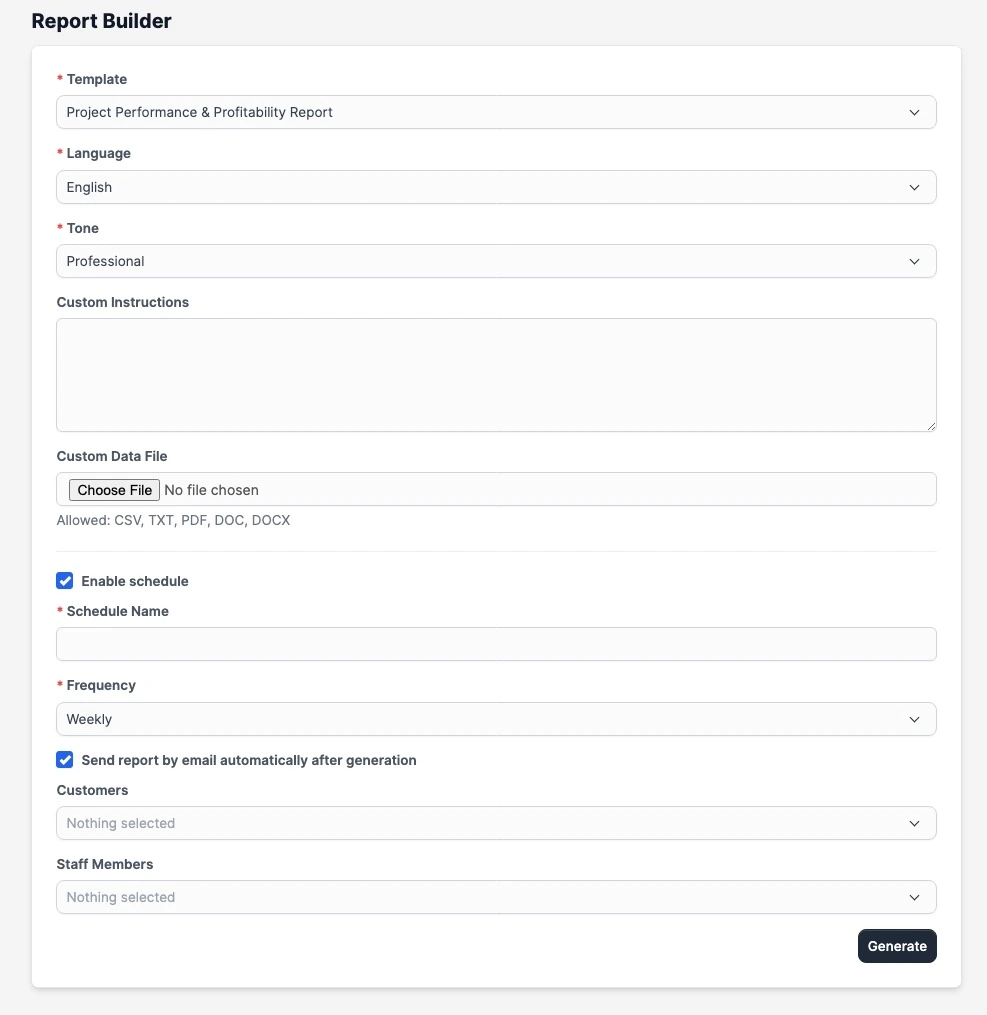
- Generate report from Report Builder with language, tone, and instructions.
- Report jobs can run instantly or through cron queue (based on settings).
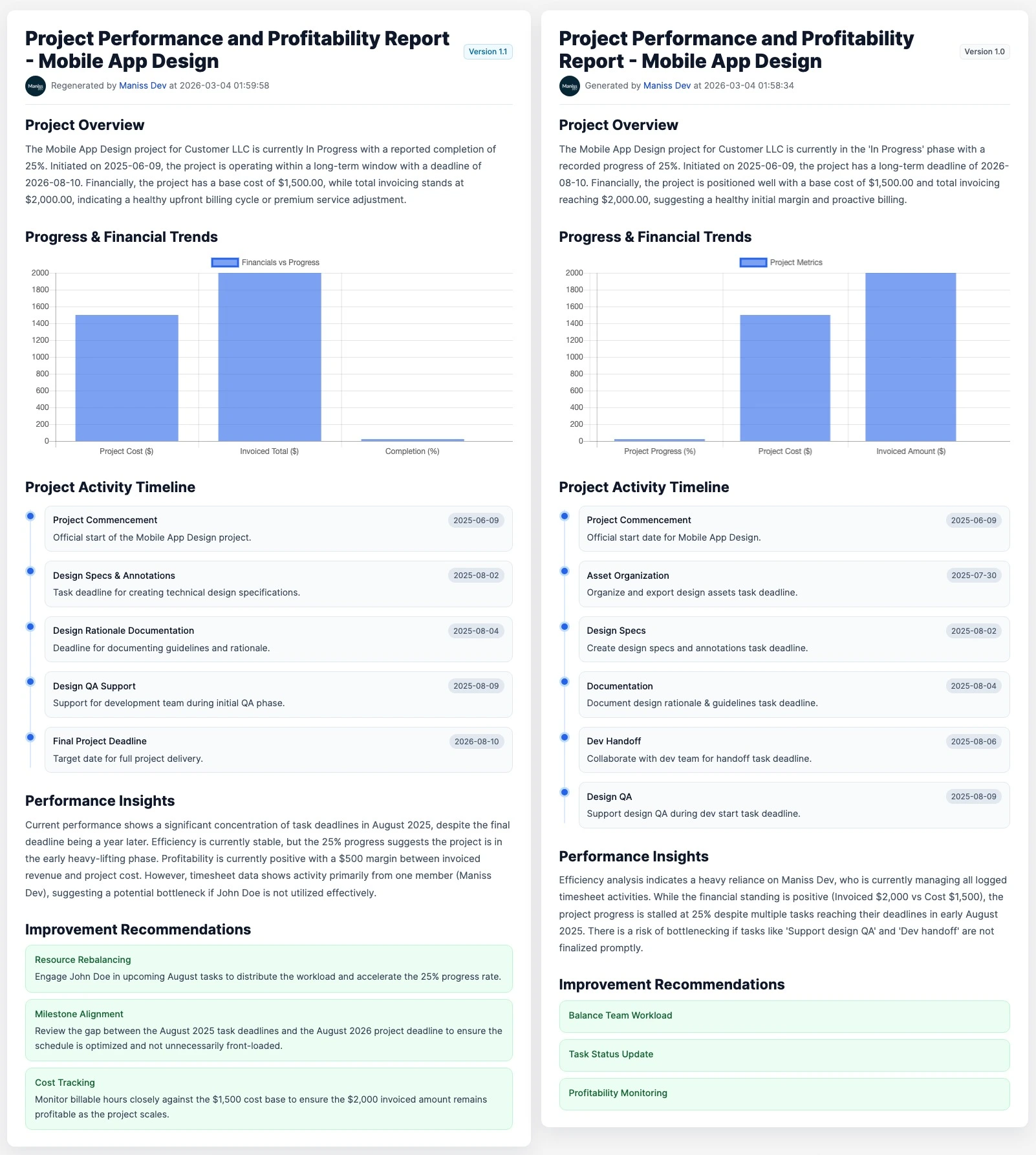
- Regeneration creates a new version under the same report.
- Use version compare mode to review current version against older versions.
4. Report View
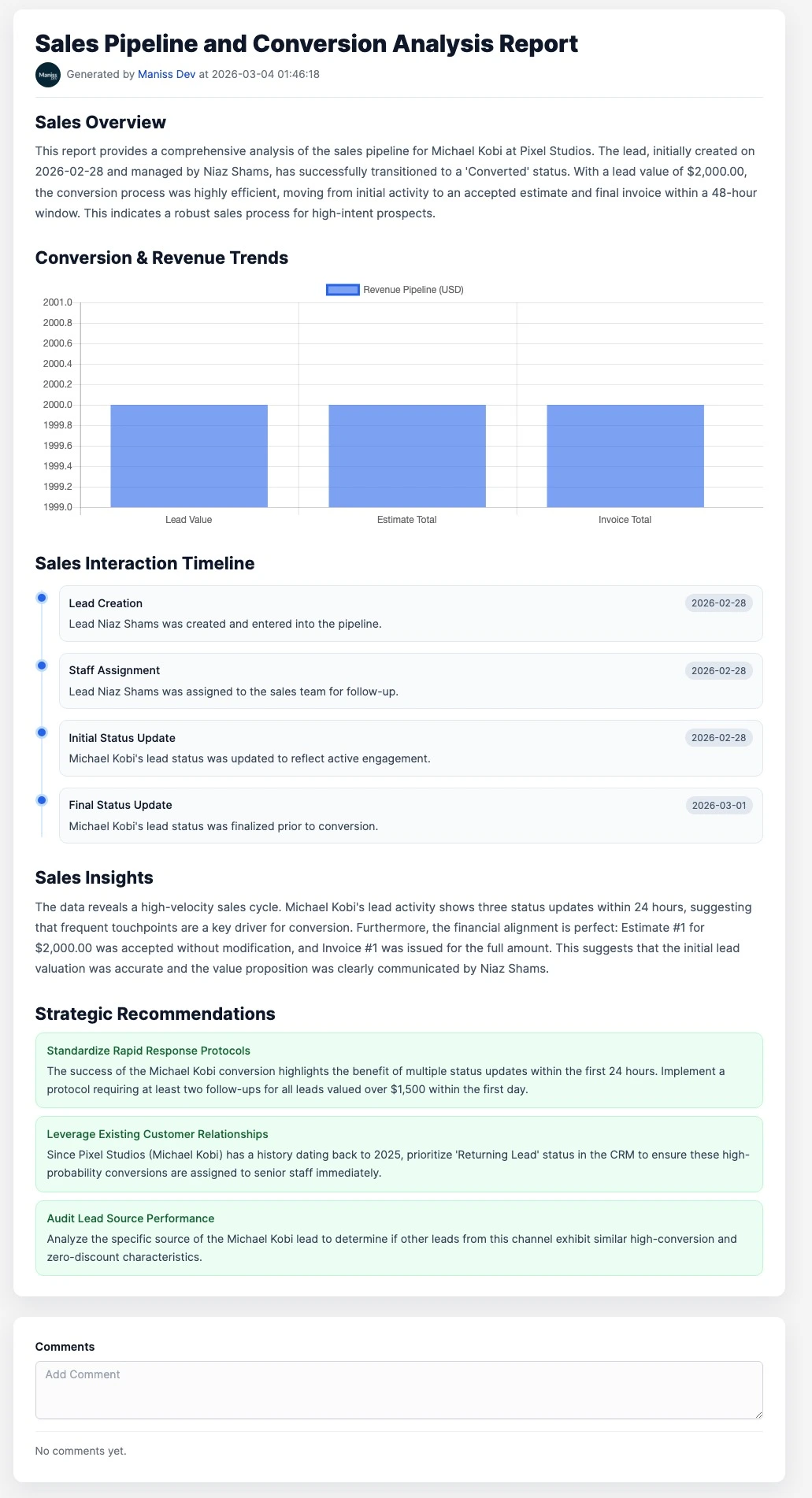
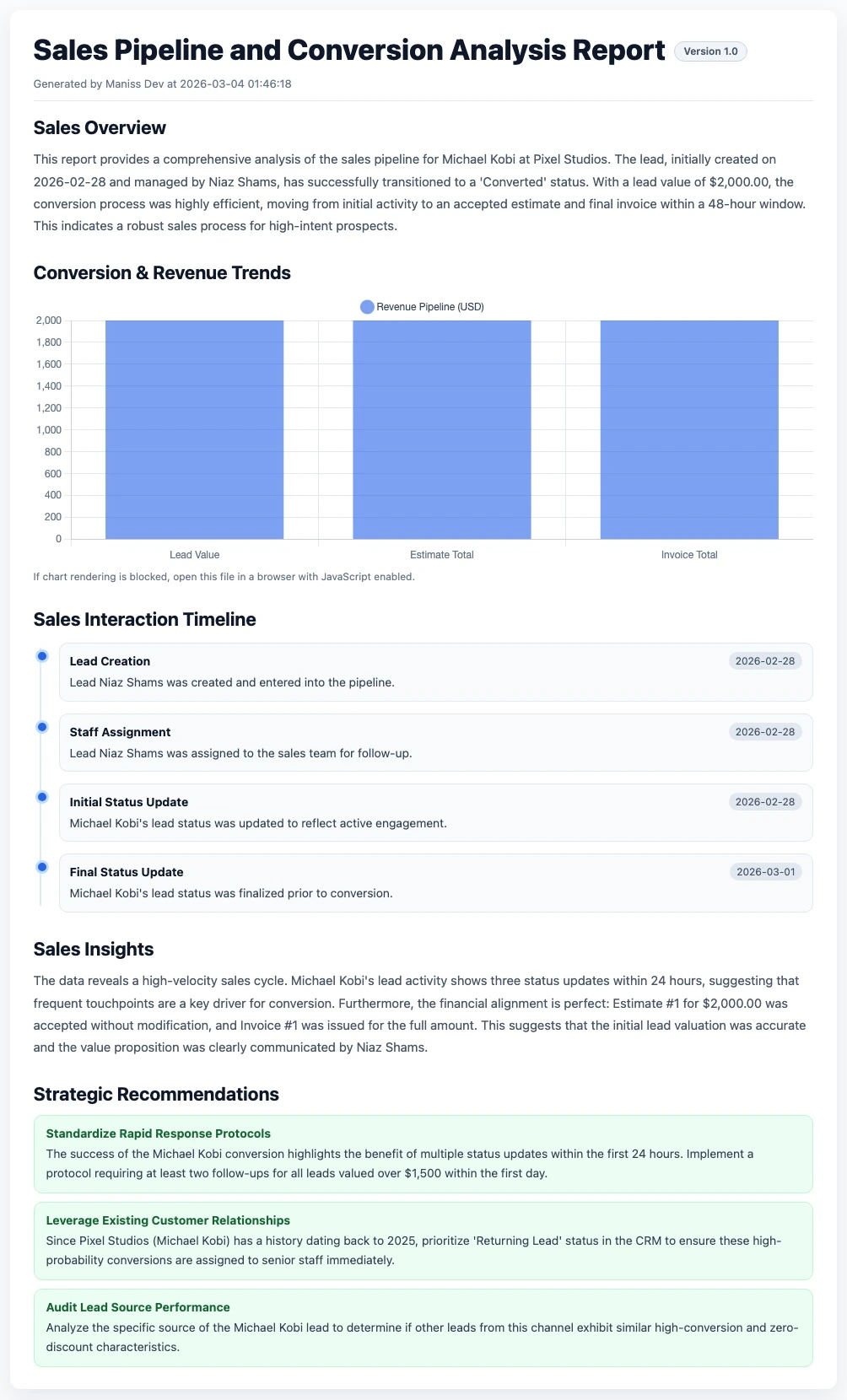
- Clean centered report canvas for final output.
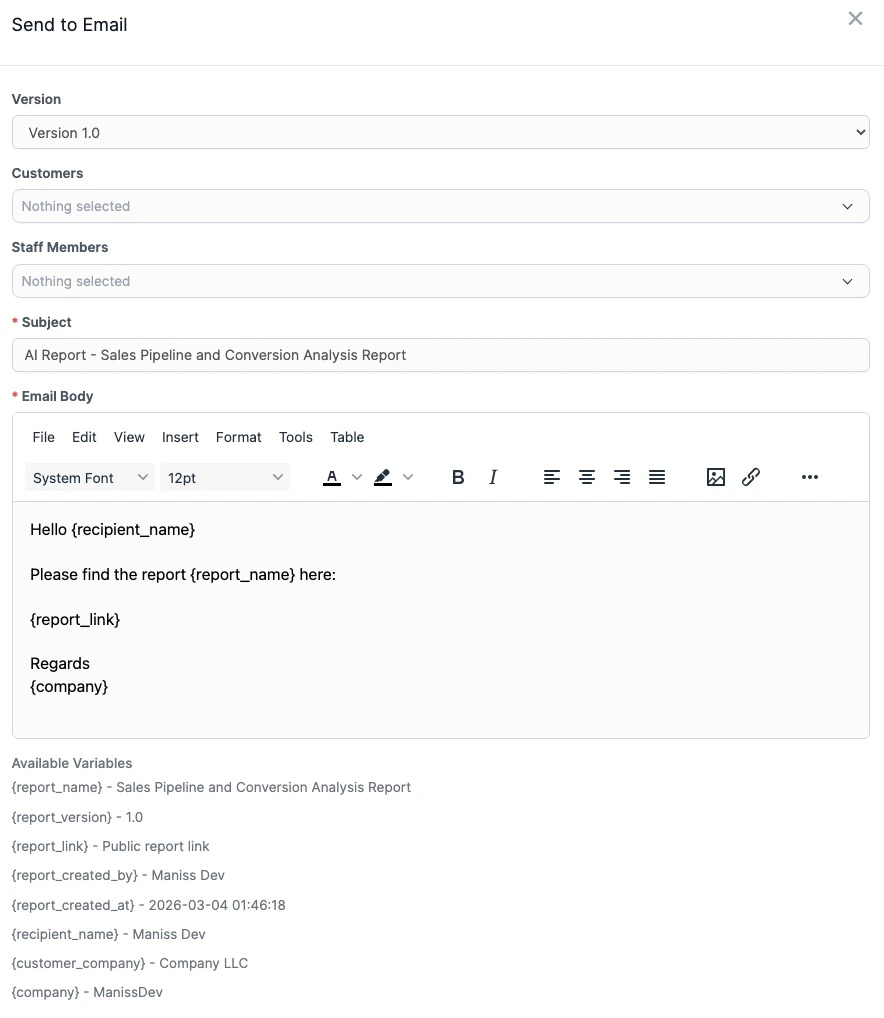
- Header actions: regenerate, share, send to email, export as HTML.
- Version-aware view and compare mode.
- Staff comments with mentions and notifications.
5. Report Builder
- Select template, language, tone, and optional custom instructions.
- Attach contextual files for report generation input.
- Optional scheduling and automatic delivery flow.
6. Templates
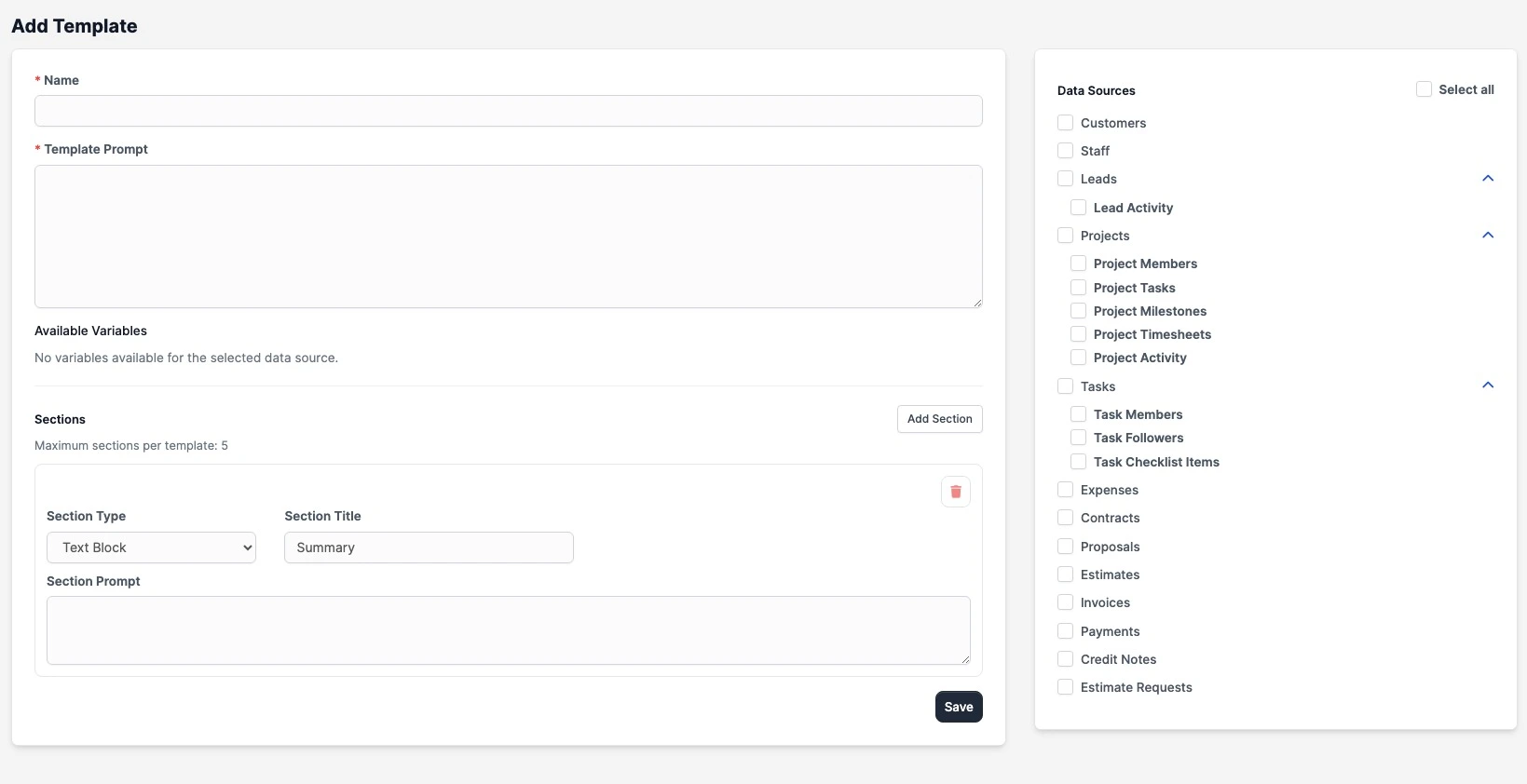
- Prompt-driven template creation for consistent report structures.
- Data source and variable selection to control report context.
- Section-based output design (text, chart, timeline, recommendation).
7. Dashboard & Reports
- Dashboard: high-level usage and performance metrics.
- Reports page: operational report management with KPI cards.
8. Sharing, Email, and Export
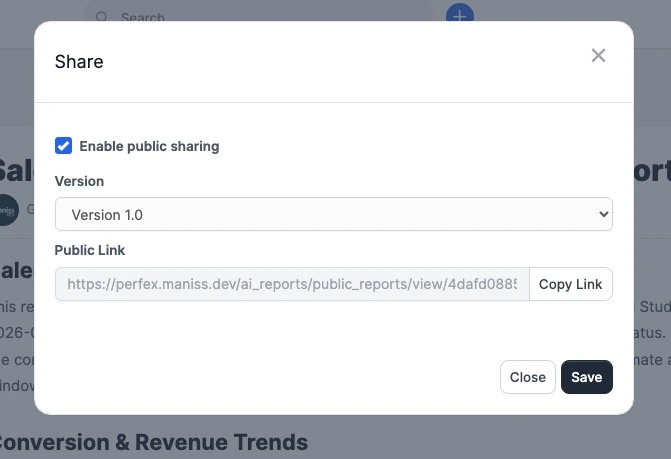
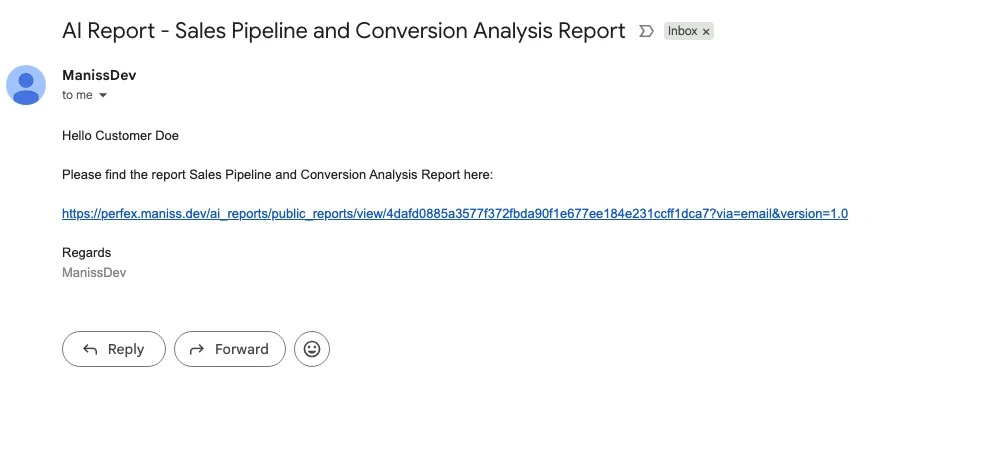
- Public sharing with secure tokenized links.
- Version-aware email sending with report link variables.
- Export report as styled HTML.
9. Queue, Schedules, and Retry
- Cron queue processing for controlled AI generation load.
- Scheduled report automation by frequency.
- Retry handling for failed generations.
10. Settings
- AI provider, model, and API configuration.
- Report defaults (language, tone, limits, instructions).
- Notification recipients setup.
- Cron and retry behavior controls.
11. Changelog
Version 1.1.0 - 01 May, 2026
- NEW: Added new AI models with updated pricing (OpenAI, Gemini, Anthropic)
- NEW: Added scoped report generation by single Client, Project, or Lead
Version 1.0.0
- Initial release.
12. Support
For help with setup, migration, or troubleshooting:
support@maniss.dev